
How to Close Your RemoteGenies Client Account
Before You Close Your Account
Settle any active tasks
Do not request account closure while tasks are still in progress, pending review, or in revision. All active work should be completed or cancelled first. Once a task is marked Completed, a 7-day window applies for raising any final disputes or discrepancies — let that period pass before closing.
Use or note your remaining credits
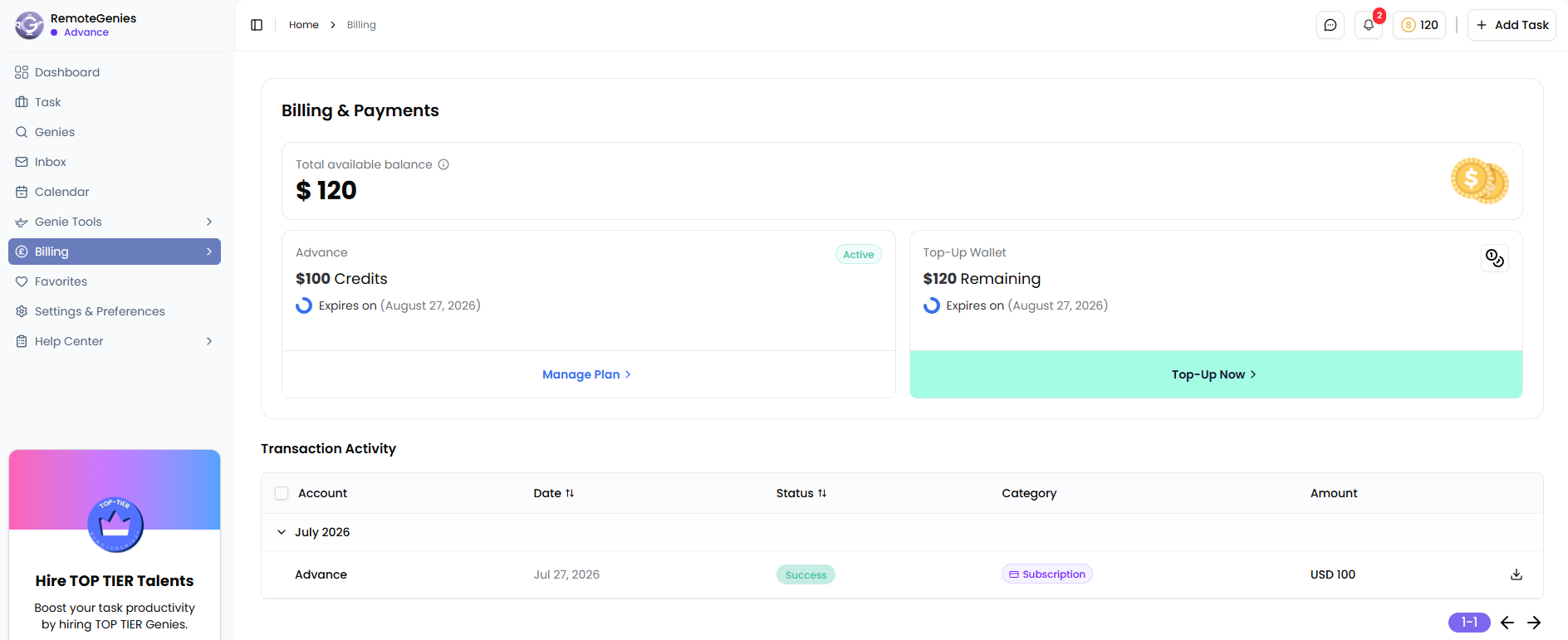
Your account holds a credit balance (in USD). Credits are non-refundable once your account is closed — this applies to both subscription credits and any top-up wallet balance. Check your Billings & Payments page to see your current balance before proceeding.
Credit expiry rules by plan type:
PlanCredit ValidityPay As You Go30 days from purchaseAdvanced MonthlyRoll over up to 4 monthsTop-Tier MonthlyRoll over up to 4 monthsAdvanced AnnualRoll over up to 6 monthsTop-Tier AnnualRoll over up to 6 months
Free credits (if any remain) expire 30 days from when they were claimed.
Cancel your subscription first
If you are on a recurring monthly or annual plan, cancel it before requesting account closure. Subscription downgrades and cancellations take effect at the next billing cycle — your access and credits remain available until that date. If you are close to a renewal date, initiate the cancellation immediately to avoid being charged for another cycle.
To downgrade or cancel a subscription:
-
Go to Billings & Payments in your account.
-
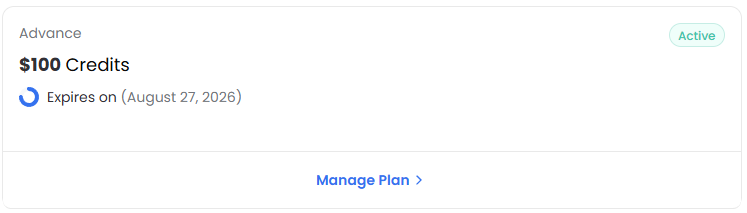
Click Manage Plan.
-
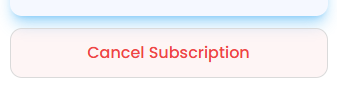
Click on Cancel Subscription
-
Follow the prompts to Cancel your recurring plan.
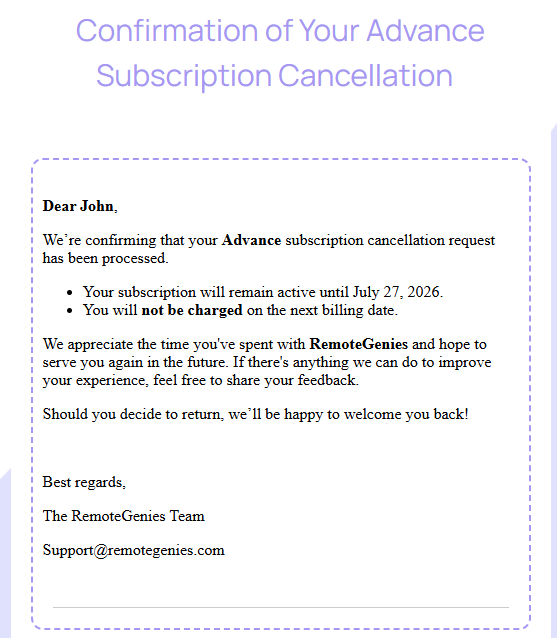
You will receive a confirmation email with the effective date.
How to Request Account Closure
There is no one-click account deletion button available in the client dashboard at this time. To close your account, message your project coordinator directly or reach out to the RemoteGenies team at Support@remotegenies.com. Include:
-
The email address registered to your account
-
Confirmation that all active tasks are resolved
-
Confirmation that you understand any unused credits will be forfeited
The team will process your request and confirm once the account has been closed.
What Happens After Closure
-
You will lose access to your account, task history, files, and GenieChat conversations.
-
Any remaining credits are forfeited — they cannot be transferred or refunded after the account is closed.
-
If you had a recurring subscription, ensure cancellation was confirmed before closure to avoid additional charges.
If You Just Need a Break
If you are not ready to close permanently, you do not need to take any action. You can simply stop posting tasks. Your account remains open, and you can return whenever you need to delegate work again. Credits subject to expiry will follow the rules in the table above.
