
Book a 15-Minute Discovery Call with a Genie (or with RemoteGenies)
There are two types of 15-minute calls available to clients on RemoteGenies:
-
A call with a RemoteGenies representative — to get guidance on using the platform.
-
An interview call with a Genie — to assess a specific Genie before hiring.
Both are covered below.
Option 1: Book a Call with a RemoteGenies Representative
If you're not sure where to start or want a walkthrough of the platform, you can book a 15-minute call with a RemoteGenies rep directly.
How to do it:
-
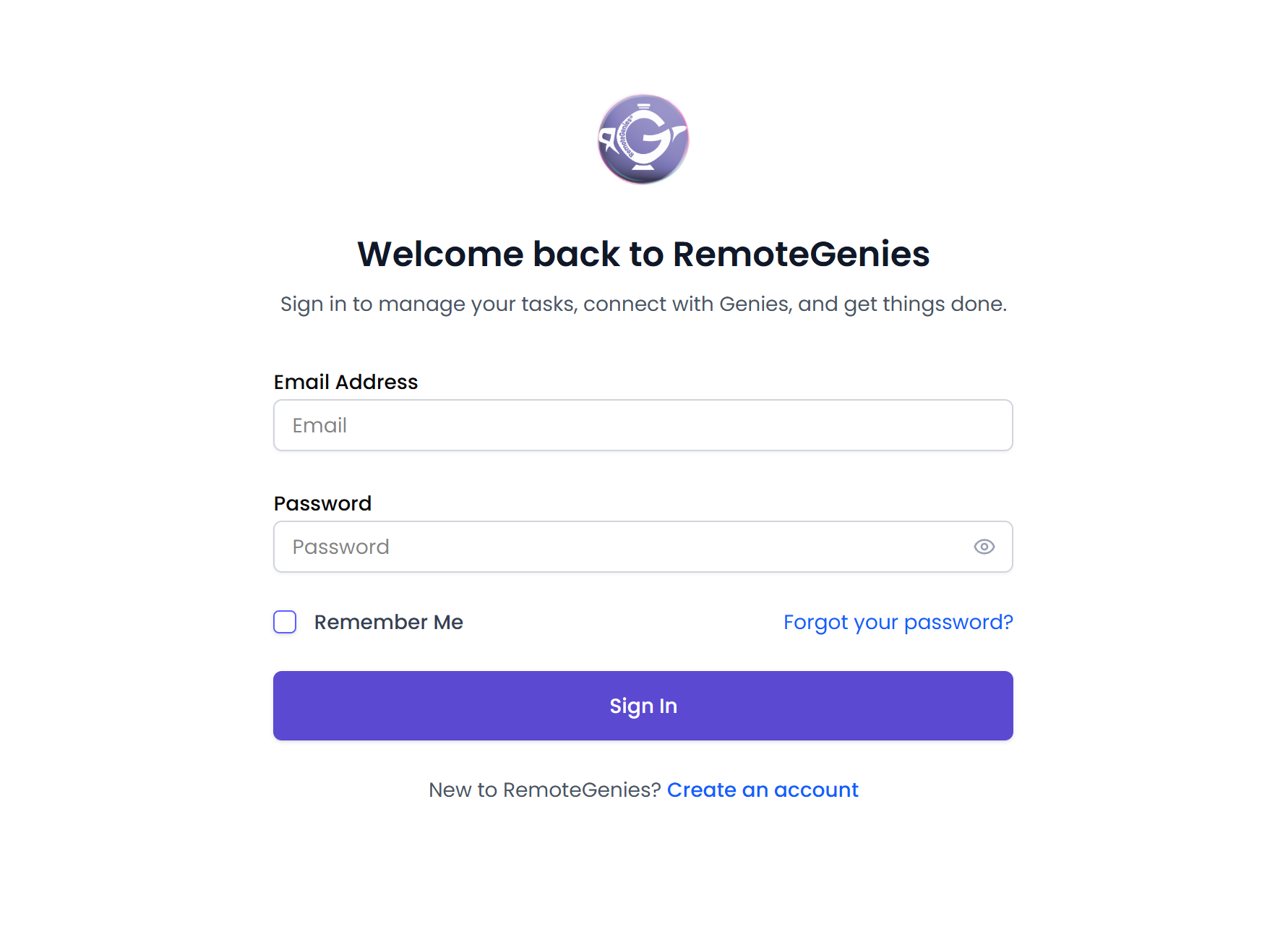
Log in to your client account.
-
Look for the "Not Sure Where to Start?" banner on your dashboard and click Book Now.
The banner can be closed by clicking Close. Once closed, it won't reappear for the rest of your current session.

-
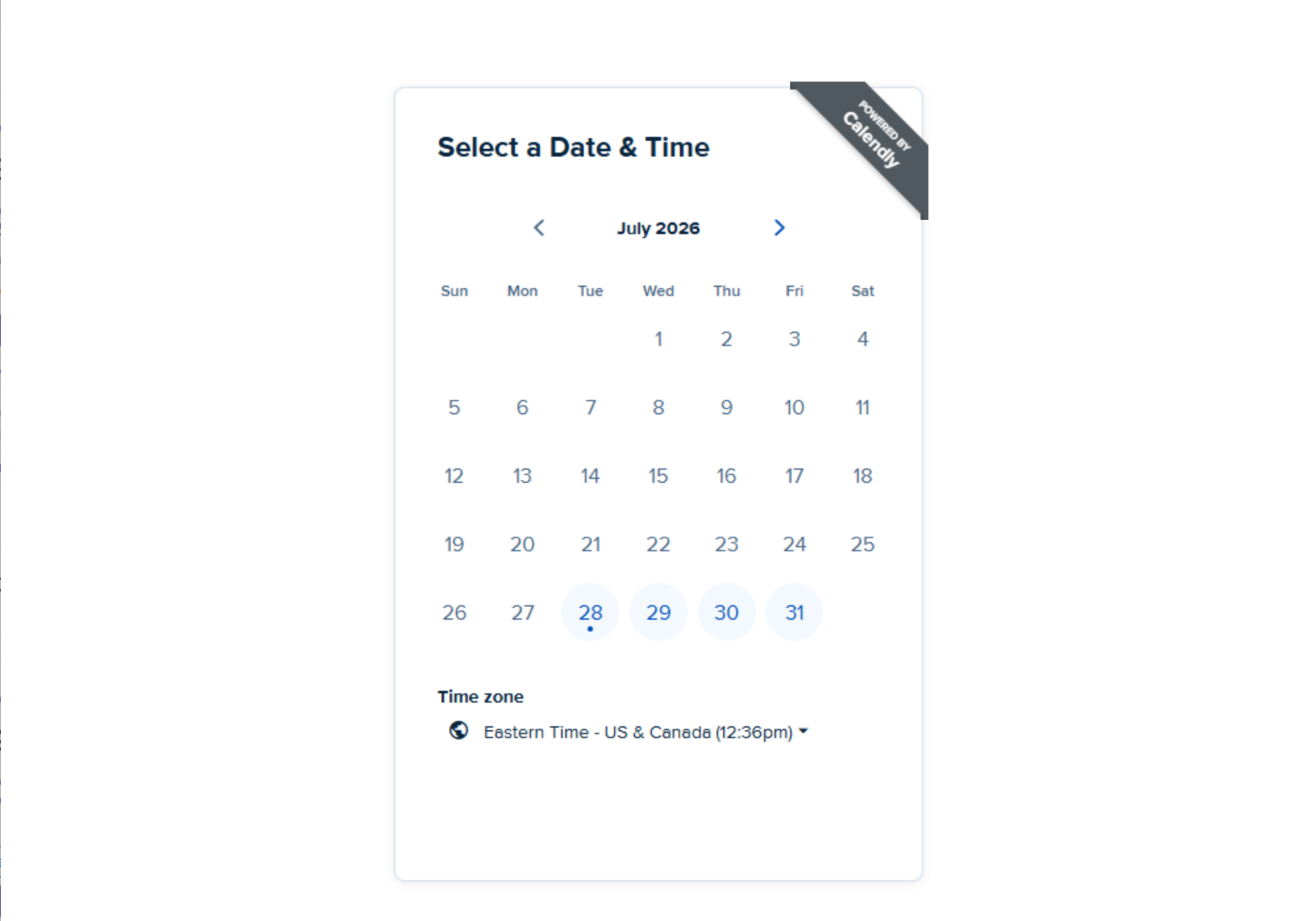
A Calendly scheduling window opens — pick a date and time that works for you.
-
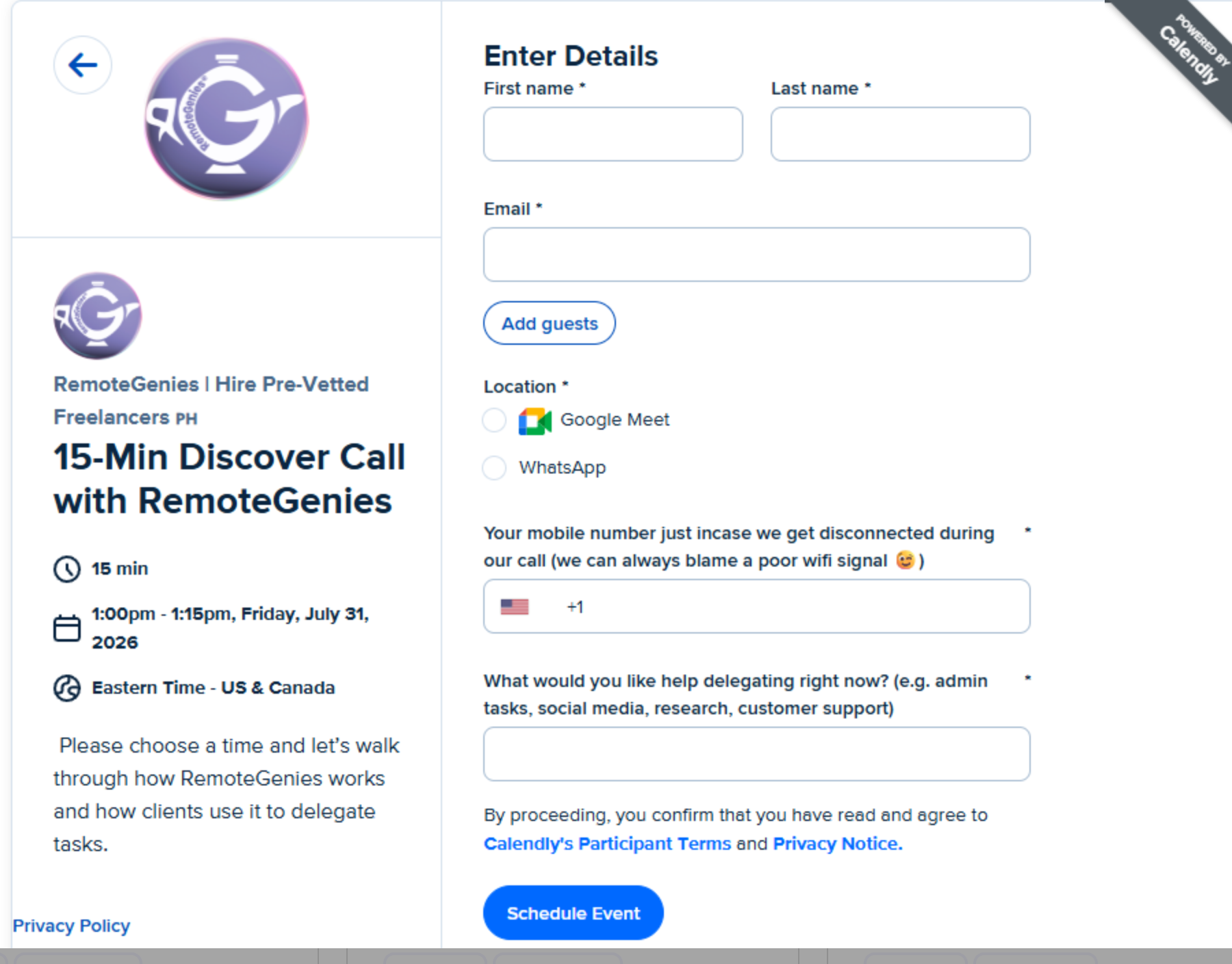
Enter your details
-
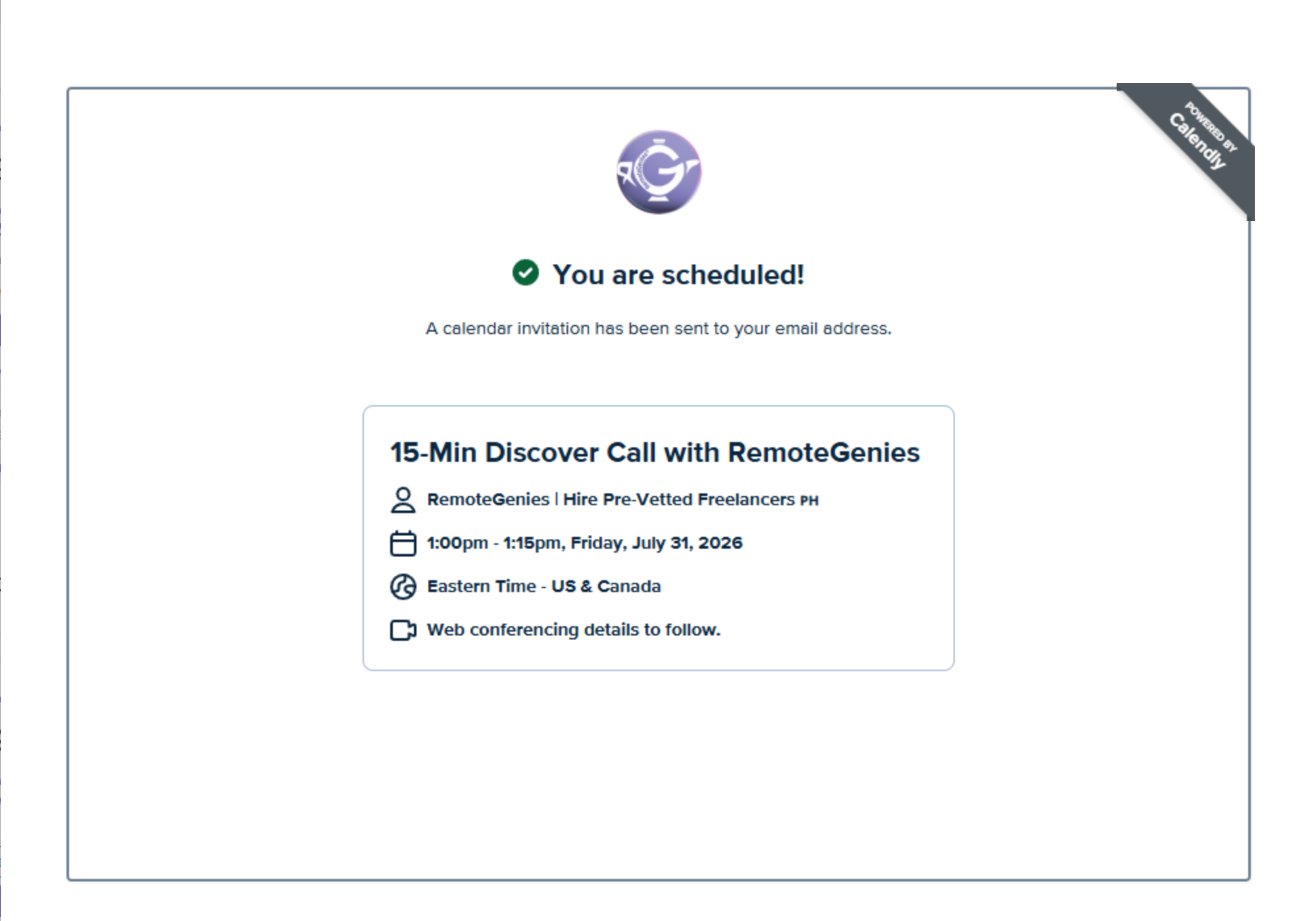
Complete the booking in Calendly.
Option 2: Invite a Genie for a 15-Minute Interview Call
Once a Genie has submitted a bid on your task, you can invite them for a 15-minute video interview before making a hiring decision.
How to do it:
-
Open the task where the Genie submitted a bid.

-
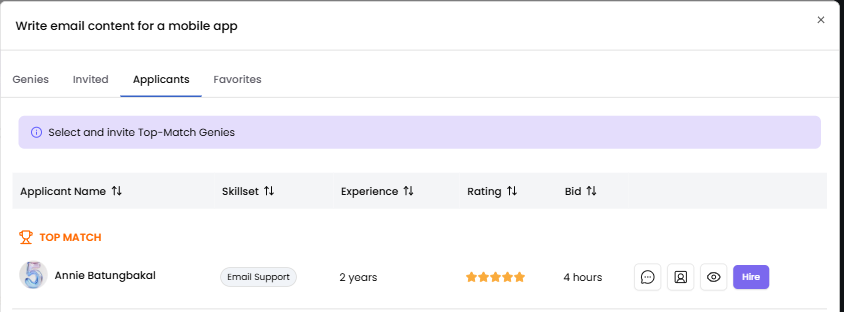
Go to the Applicants tab.
-
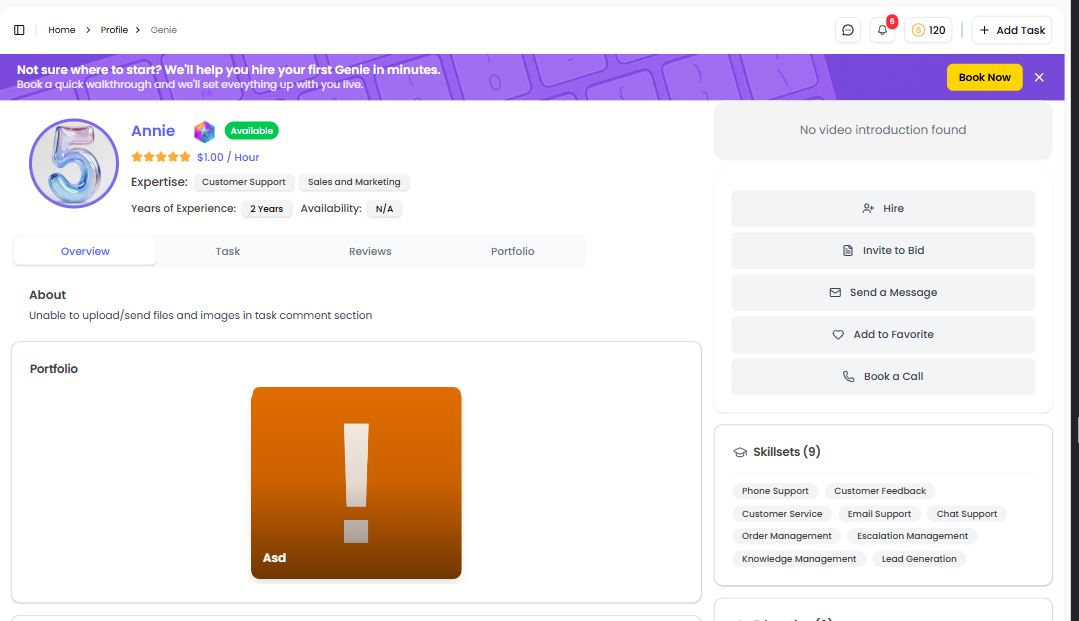
Find the Genie you want to interview and click the genie's name to see their profile.
-
Click Book a Call.

-
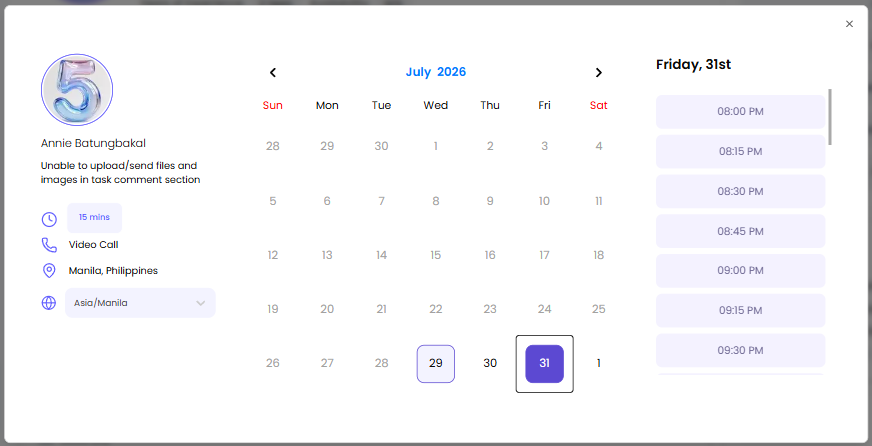
A scheduling pop-up opens showing:
-
The Genie's name
-
A calendar with highlighted available dates
-
Time slots (shown after you select a date)
-
-
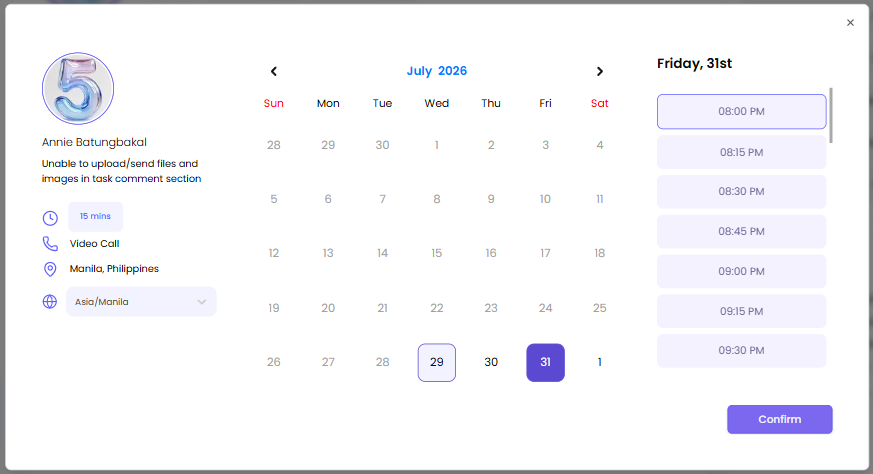
Select a date then select a time slot. The Confirm button activates once a slot is chosen. Click Confirm.
-
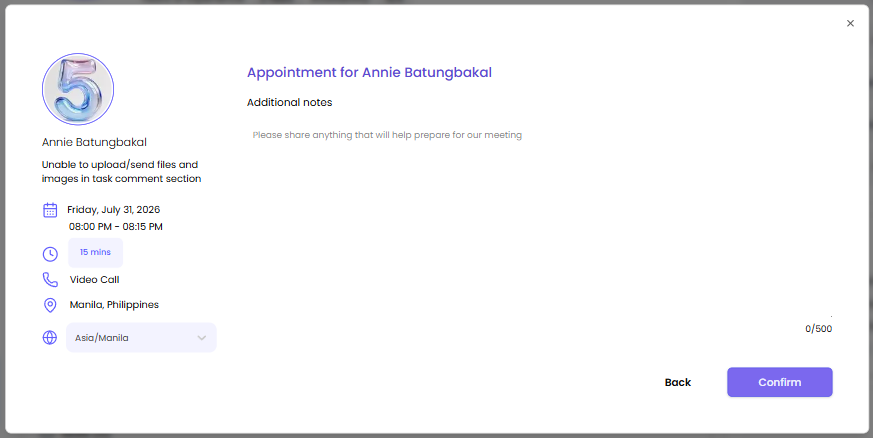
You may input Additional notes for your meeting. Click Confirm.
-
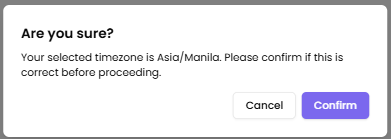
A pop-up appears to confirm your selected timezone. Set your correct timezone then click Confirm.
-
The Genie receives an email notification with the interview details: task name, date, time, and any additional notes you included.

The call is set to 15 minutes and is conducted via video. The time zone shown reflects your location.
You can also invite a Genie to interview from the Matched and Invited Genies sidebar — you may open the Genie profiles from there as well.
What to Prepare Before the Call
To make the most of 15 minutes:
-
What you need done
-
Expected deadline
-
Estimated hours (if known)
-
Tools or platforms required
-
What the final output should look like
The clearer you are going in, the faster you can confirm fit.
After the Call
Once you've spoken with the Genie, you can:
-
Accept their bid and move the task to In Progress
-
Continue the conversation in GenieChat
-
Explore other Genies if it wasn't the right fit — no obligation
If you need help deciding which Genie to speak with, message your project coordinator directly inside the platform.
