
Rate and Review Your Genie After a Task Is Completed
Once a task is marked as Completed, you'll be prompted to leave feedback on your Genie's performance. Your rating gets displayed on the Genie's profile and helps maintain quality matching across the platform.
When the Feedback Form Appears
The feedback form triggers automatically in two situations:
-
The task status changes to Completed
-
You click the Rate button on a completed task
It opens as a centered modal pop-up on the task page.
What You'll Fill Out
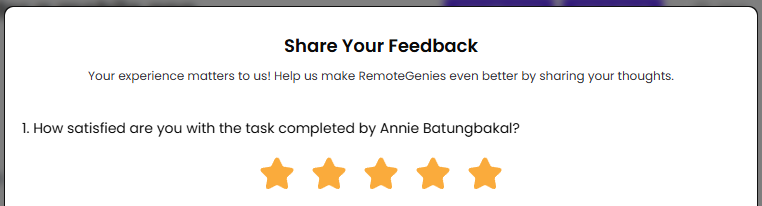
1. Star Rating (Required)
Rate your overall satisfaction with the completed task on a scale of 1 to 5 stars. This is the only required field — the Submit button stays disabled until you select at least one star.
2. Experience Tags (Optional)
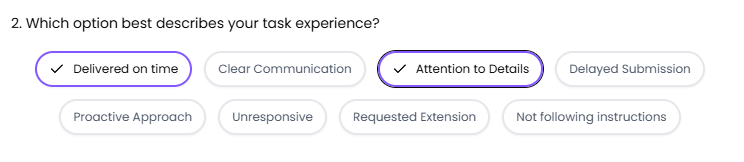
Select one or more tags that describe your experience. You can choose multiple:
Delivered on time, Clear communication, Attention to details, Delayed submission, Proactive approach, Unresponsive, Requested extension, Not following instructions
Selected tags are highlighted so you can see what you've picked at a glance.
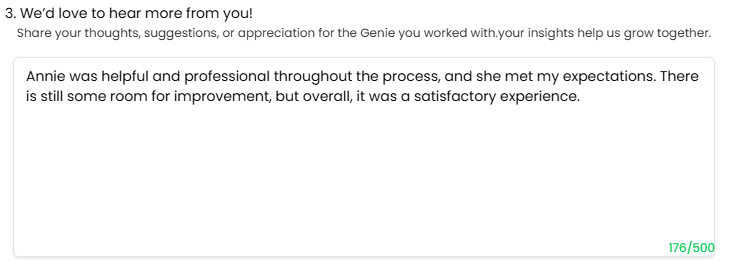
3. Comments
A free-text box lets you share more detail — appreciation, specific observations, or suggestions. Maximum 500 characters.
Submitting Your Feedback
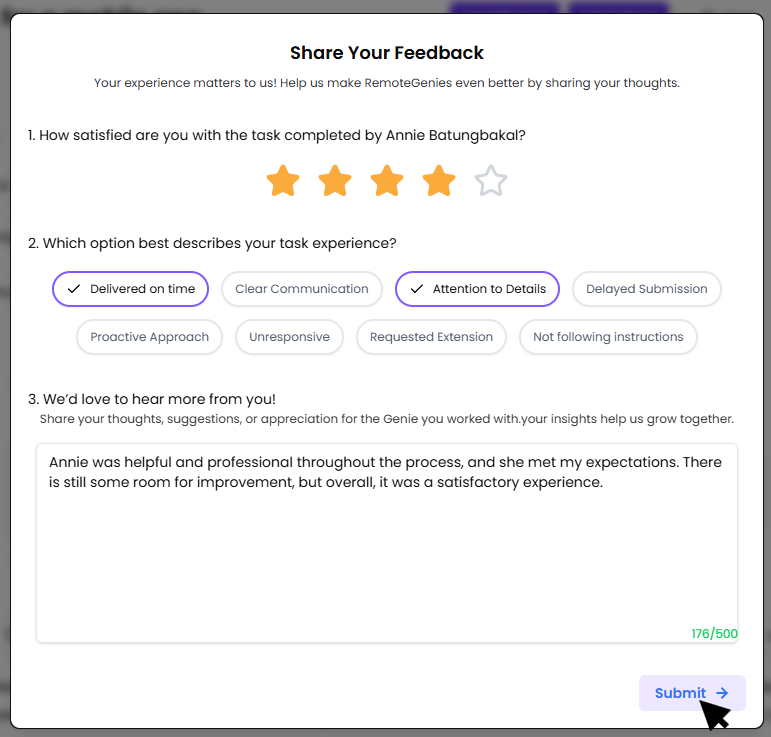
Click Submit → (bottom-right of the form) when you're done. Once submitted, your feedback is recorded against that task.
One Review Per Task
You can only submit one review per completed task. If you already submitted feedback through the pop-up, you won't be prompted again — even if you revisit the Genie's profile or return to the task page.
How Your Rating Appears on the Genie's Profile
Once submitted, your rating contributes to the Genie's overall star score shown on their public profile. Genies who haven't received any ratings yet display a New Genie badge instead of stars — that badge is replaced by an actual star rating after their first review comes in.
Tip a Genie (Optional)
If your Genie went above and beyond, you can also send a tip. Tips go directly to the Genie's wallet and can be withdrawn by them through a payout request.
