
Sign Up as a Genie on RemoteGenies
How to Register
Genie registration on RemoteGenies is a multi-step process designed to verify your identity, capture your skills, and assess your qualifications before you're activated on the platform.
Here's what the registration journey covers:
Step 1: Start Your Application
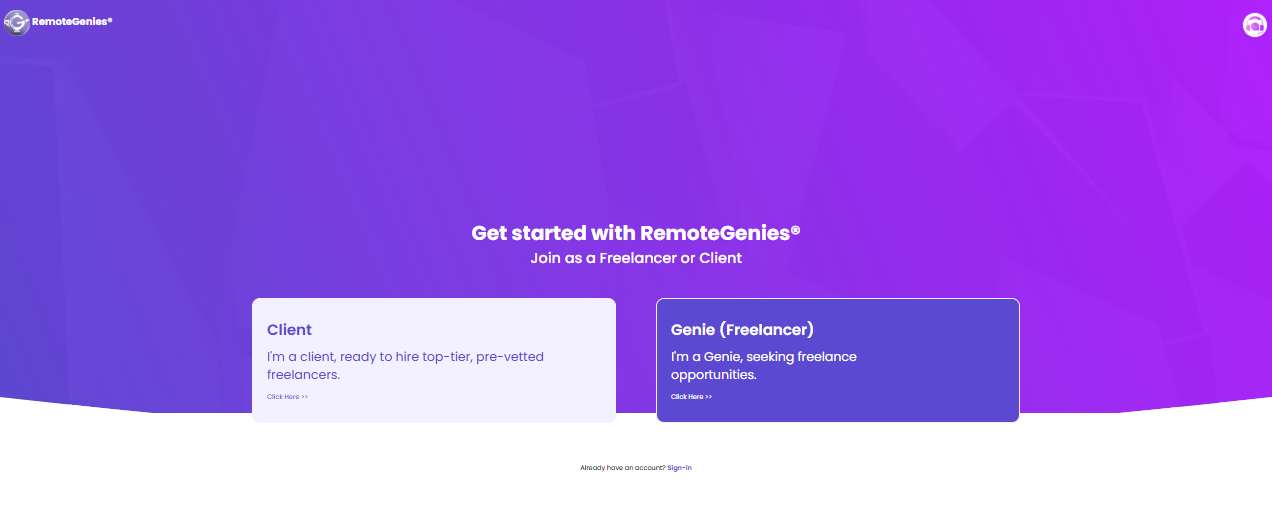
Go to the RemoteGenies platform and sign up as a Genie.
Step 2: Complete Your Personal Details
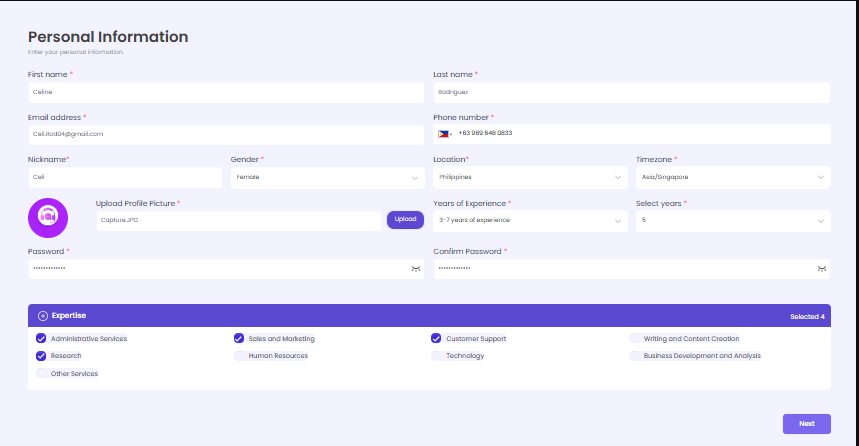
Fill in the required fields — this includes your profile information and account credentials. Make sure all fields are completed accurately before moving to the next step, as incomplete submissions will not be saved.
Step 3: Verify Your Email
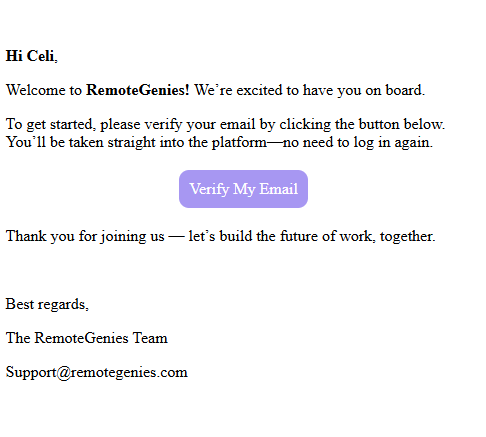
After submitting your initial registration, you'll receive a welcome email from RemoteGenies at the address you provided. Click the Verify Email button in that email. This will take you directly into the platform — no separate login required.
If you don't verify your email, your registration will not be complete and your profile details may not be saved.
Step 4: Take the Assessments
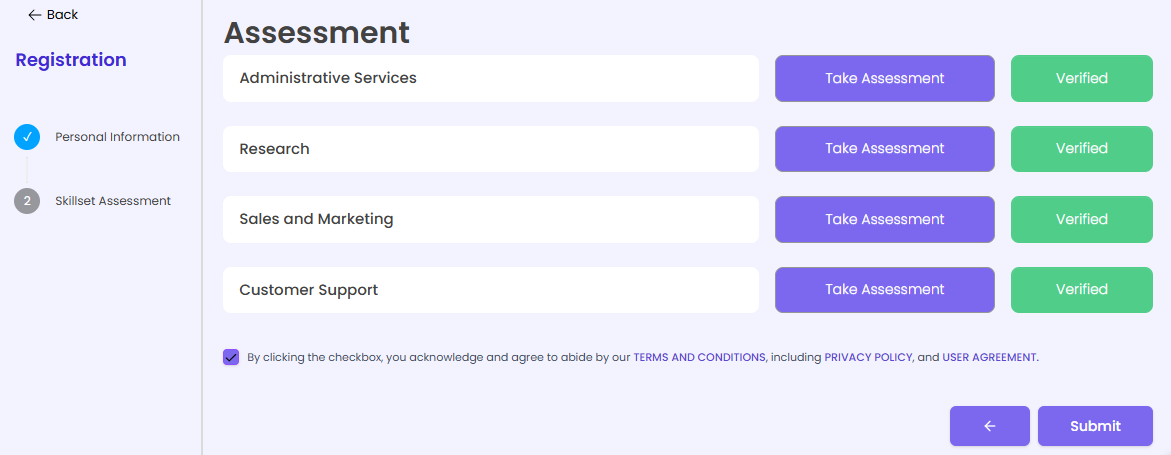
Once your email is verified, you'll be directed to complete skill assessments relevant to your declared expertise. These assessments are part of the pre-vetting process and help validate your qualifications.
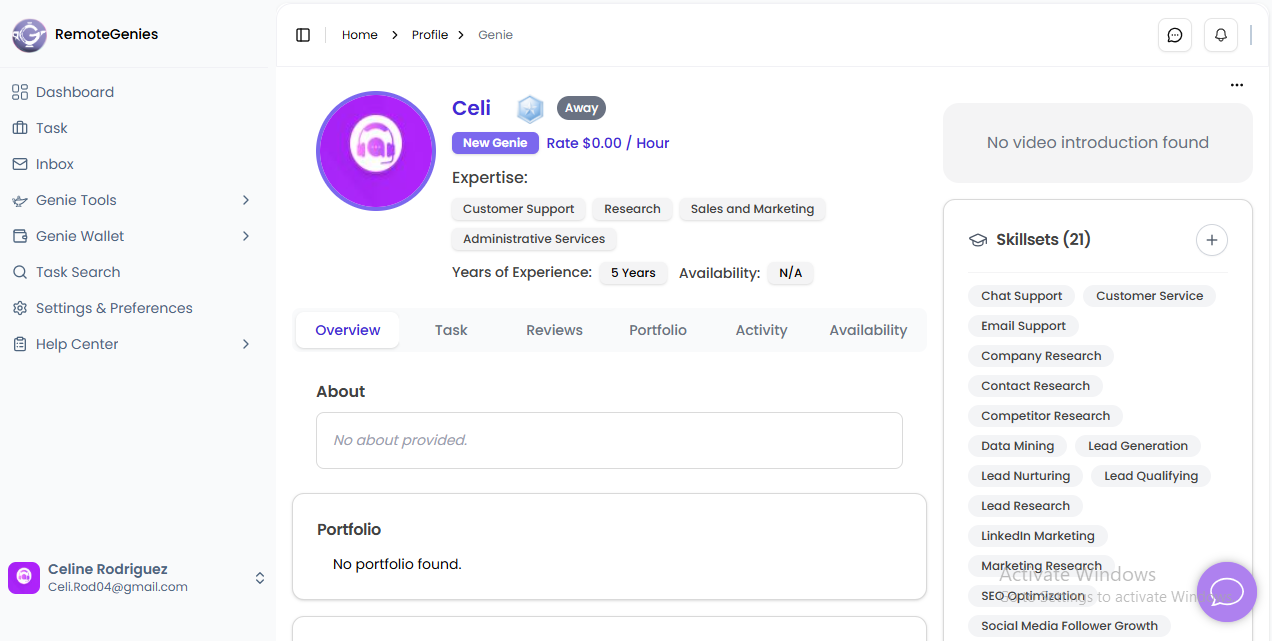
Step 5: Complete Your Profile
After the verifying your email, finish setting up your profile by filling up the following details:
-
About
-
Portfolio
-
Skills
-
Work Experience
-
Video Introduction
-
Skillsets
-
Education
-
Certificate
Step 6: Wait for Admin Review
RemoteGenies reviews all applications. Only applicants who pass the screening process will be activated on the platform.
A Few Things to Note
-
Use a desktop or large screen if possible. Mobile responsiveness improvements have been shipped, but for the smoothest experience during registration, a desktop browser is recommended.
-
Don't close the browser mid-way. Your details are saved as you progress, but navigating away before completing a step may cause data not to carry over.
-
Check your spam folder if you don't receive the verification email within a few minutes.
-
Attachments must be under 5MB where file uploads are required during registration.
After Registration
Once you're inside the platform, you'll be walked through a dashboard and task page orientation to help you get familiar with how everything works.
If you have questions at any point during sign-up, message us directly through the platform.
