
How to Communicate with Clients on RemoteGenies
All communication with clients happens through the built-in chat system on RemoteGenies. Do not move conversations to personal email, WhatsApp, or any external channel — keeping everything on-platform protects you and ensures your project coordinator can step in when needed.
The Chat System
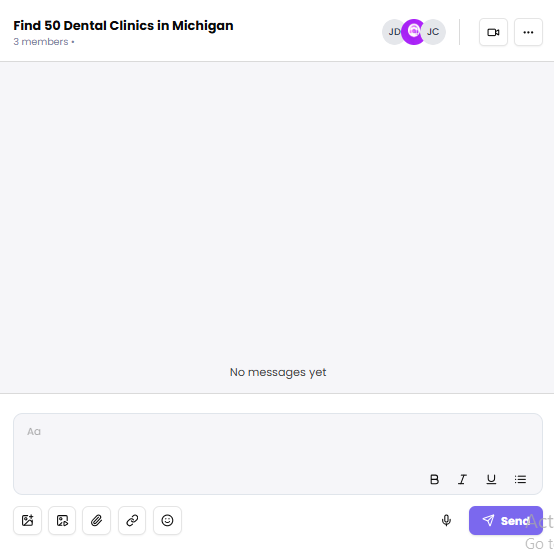
The chat is task-linked and shared between you, the client, and the project coordinator. Here's what it supports:
-
Text messages — type and send via Enter or the Send button. Messages appear instantly with timestamps.
-
Voice notes — record and send audio directly in chat. Recipients see a waveform with play/pause controls.
-
File sharing — attach files to any message. All shared files are organized in a side panel by category: Media, Documents, Audio, and Links.
-
Text formatting — bold, italic, underline, and list formatting are available in the message input.
-
Mentions — tag specific participants to notify them directly.
-
Emojis and links — supported in all messages.
How Conversations Are Organized
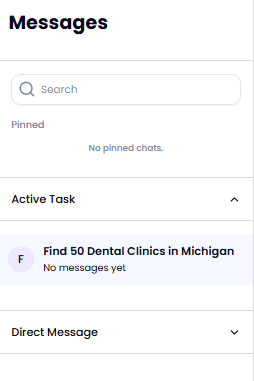
The left sidebar shows all your conversations, grouped into:
-
Pinned chats — conversations you've pinned for quick access.
-
Task chats — one chat room per task, linked directly to that task's detail page.
-
Direct messages — one-on-one conversations outside of a specific task.
When you open the chat, it loads the most active task chat by default. If you have no ongoing tasks, it loads the most recent active message.
Task Status from Chat
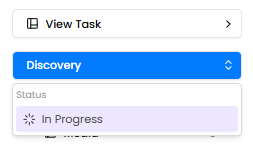
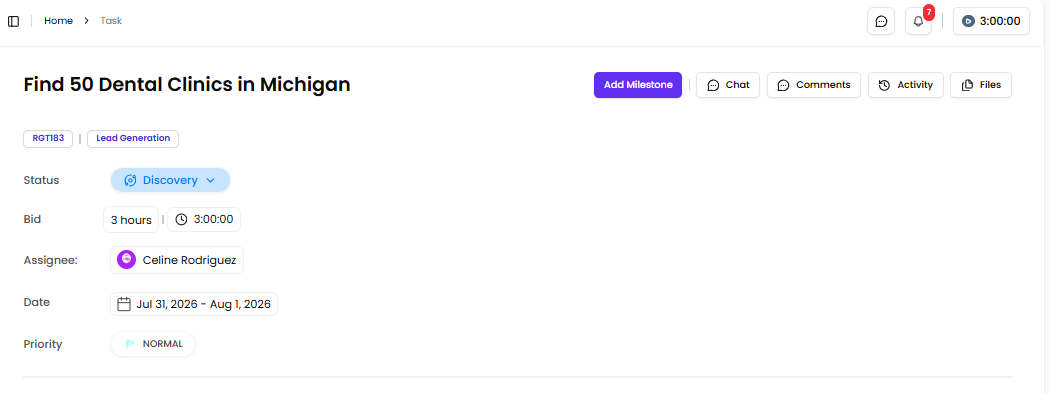
You can view and update task status directly from the chat sidebar without navigating away. Clicking a task's status label opens a dropdown to move it forward. Clicking the task itself takes you to the full task detail view.
Who's in the Chat
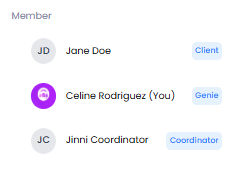
The Members panel shows all participants in the conversation — their name, role (Genie or Client), and online/offline status. A green indicator means they're currently active.
Email Notifications
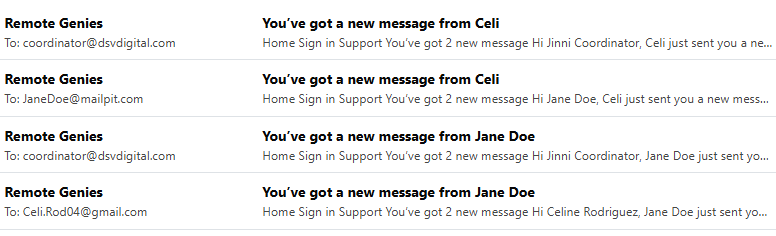
You'll receive email notifications for new chat messages and missed calls so you don't miss anything even when you're not logged in. The support team is also copied on email notifications to maintain oversight.
Video Calls
Video calls are available directly within chat. If a call is missed, all participants receive an email notification.
A Note on Message History
All messages and files are logged for accountability and accessible to your project coordinator. Keep all project-related communication within the platform — this protects you in any dispute and ensures nothing gets lost.
